


Unicorn Games for 2+ Year Olds
4.229.00 Reviews
App Specs
- Version
- 2.6.7
- Updated On
- License
- Free
- Downloads
- 1,000,000+
- Developer
- IDZ Digital Private Limited
- Categories
- Educational
- Platform
- Android
Screenshots
 Analysis by AppCompare
As a parent, finding an app that combines fun and education for your little one can be quite the challenge. Enter Unicorn Games for 2+ Year Olds—an app that promises to whisk your child away into a magical world filled with colorful unicorns and delightful games. I decided to dive into this app and see what it has to offer, and boy, was it an adventure!
A Magical World Awaits
Right off the bat, the vibrant interface of Unicorn Games for 2+ Year Olds caught my eye. The colors are bright and inviting, perfect for capturing the attention of young children. The app is designed with simplicity in mind, making it super easy for toddlers to navigate without getting frustrated. This is a huge plus for parents who need a moment of peace while their kids are entertained.
Fun and Engaging Activities
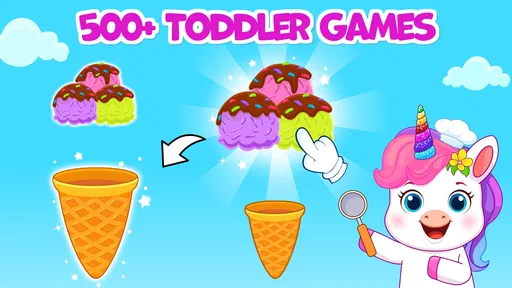
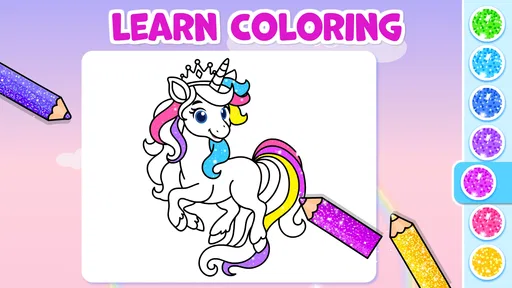
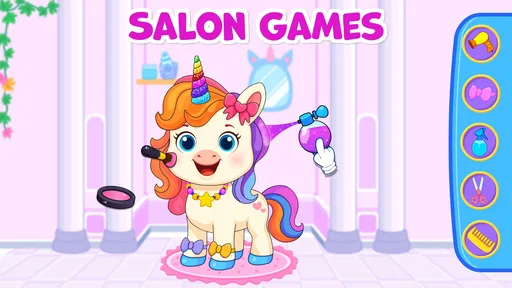
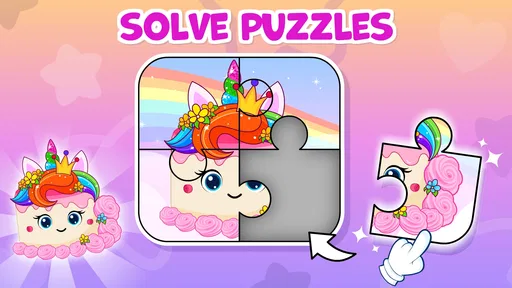
The app is packed with a variety of games that are not only entertaining but also educational. From coloring unicorns to solving simple puzzles, the activities are designed to enhance cognitive skills. I noticed that my little one was particularly drawn to the "Unicorn Dress-Up" game, where they could mix and match outfits to create their perfect unicorn. This game, in particular, seemed to boost their creativity and imagination.
Another highlight is the "Unicorn Adventure" game, where kids help a unicorn navigate through different landscapes while collecting stars. This game is not only fun but also helps improve hand-eye coordination. Watching my child maneuver through the challenges and cheer when they succeeded was a joy!
User-Friendly Experience for Tiny Hands
The developers clearly put thought into making the app user-friendly for small fingers. The touch controls are responsive, and the games are intuitive enough for toddlers to understand without much guidance. It’s worth mentioning that the app has no ads, which is a huge relief because nothing disrupts a child’s focus more than unexpected pop-ups.
The background music is soothing and not overly stimulating, which I appreciate. It complements the overall magical theme of the app, making it a pleasant experience for kids and parents alike.
Building Skills While Having Fun
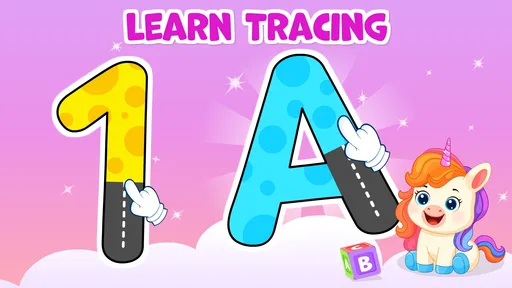
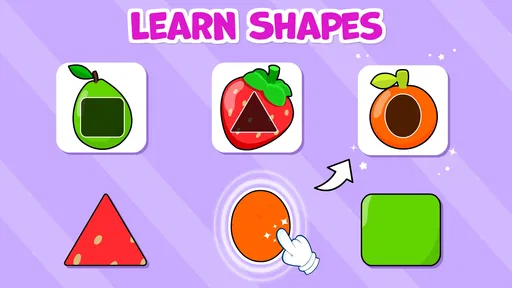
What I love about Unicorn Games for 2+ Year Olds is that it's not just about having fun—it's about learning too. The app incorporates basic educational elements, like counting and recognizing colors, into its gameplay. This subtle approach to learning ensures that your child is picking up new skills while they play, without even realizing it.
Worth Reading Before You Choose

EA SPORTS FC Mobile 26 Is a Bigger Football Game, but It Takes Time

Flipboard Shows What News Apps Must Do Beyond the Feed

Switching to Android Auto Means Rethinking Your Driving Routine

Google Calendar Makes a Crowded Week Easier to Manage

Ludo King Makes the Most of the Minutes Between Plans

Baby Panda World Brings Quick Play to Modern Phones, but Its Game Library Feels Busy
Moreover, the app encourages kids to make choices, which is crucial for their development. Whether it’s deciding which puzzle piece fits or choosing the right color for their unicorn, these small decisions help build confidence and independence in young children.
Final Thoughts
In conclusion, Unicorn Games for 2+ Year Olds is a delightful app that combines entertainment with education in a magical way. It’s perfect for keeping toddlers engaged while also aiding their development. Whether you need a quick distraction during a car ride or want to introduce some educational playtime at home, this app is a solid choice.
If you're looking for an app that offers a balance of fun, education, and simplicity, I'd say give Unicorn Games for 2+ Year Olds a try. Watching your child explore this enchanting world and develop new skills along the way will be just as rewarding for you as it is for them. Happy playing!
Pros
- Colorful and engaging graphics.
- Simple controls for young children.
- Includes educational content.
- Variety of mini-games available.
- No in-app purchases required.
Cons
- Limited content for older kids.
- Requires internet for some features.
- Ads can be distracting.
- Music can become repetitive.
- Some games lack depth.
FAQs for Unicorn Games for 2+ Year Olds
What age group is Unicorn Games for 2+ Year Olds suitable for?
Unicorn Games for 2+ Year Olds is specifically designed for toddlers and young children aged 2 and above. The app features colorful graphics, simple controls, and engaging activities that cater to the developmental needs of young children, ensuring a fun and educational experience for your little one.
Are there in-app purchases or advertisements in Unicorn Games for 2+ Year Olds?
Unicorn Games for 2+ Year Olds typically offers a free version with limited features and may include in-app purchases to unlock additional content. Some versions might also contain advertisements. It’s advisable to check the app description on the download page to understand the purchasing and advertising model.
What kind of activities does Unicorn Games for 2+ Year Olds include?
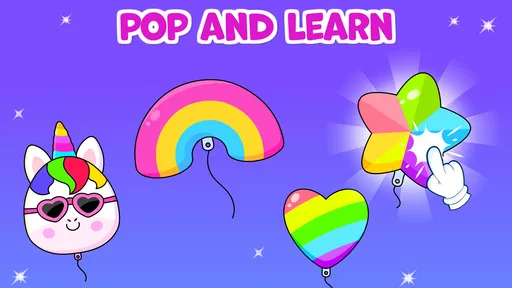
Unicorn Games for 2+ Year Olds includes a variety of activities designed to entertain and educate young children. These may include puzzles, matching games, and simple interactive tasks that promote cognitive development and fine motor skills, all while featuring delightful unicorn-themed graphics.
Is Unicorn Games for 2+ Year Olds available on both Android and iOS platforms?
Yes, Unicorn Games for 2+ Year Olds is available for download on both Android and iOS platforms. You can find it on the Google Play Store for Android devices and the Apple App Store for iOS devices, making it accessible to a wide range of users.
How does Unicorn Games for 2+ Year Olds ensure child safety and privacy?
Unicorn Games for 2+ Year Olds is designed with child safety and privacy in mind. The app typically does not collect personal information and adheres to privacy standards set for children’s apps. Parents are encouraged to review the privacy policy and settings to ensure a secure experience for their children.


